


How To Learn 2D Animation: A Beginner’s Roadmap for 2026

Eneba Hub contains affiliate links, which means we may earn a small commission if you make a purchase through them—at no extra cost to you. Learn more


START WITH THE BASICS
Explore Udemy for guided animation lessons, then practice each technique in your chosen software before moving ahead.
Figure out how to learn 2D animation by choosing one tool, practicing movement with simple shapes, and finishing a short clip. This roadmap gives you a practical order for choosing software, building animation fundamentals, and completing projects you can review and improve. The quality of your practice matters more than the complexity of your first character.
Learning 2D animation suits hobbyists, students, and aspiring freelancers prepared to revise their work. Free software makes a low-cost start possible, while paid courses offer optional structure. Progress depends on your practice and project scope, so use finished exercises as milestones rather than a fixed deadline.

Jump to:
2D Animation at a Glance
The practical answer to how to learn 2D animation is small exercises followed by a finished clip. Use these checkpoints to keep your starting setup manageable.
|
Cost to start |
Free software available; paid instruction is optional |
|---|---|
|
Time to learn the basics |
Progress through movement exercises before attempting a finished character scene |
|
What you need |
Compatible hardware, one animation tool, reference footage, and a way to draw or manipulate shapes |
|
Main hurdles |
Uneven timing, unclear poses, and excessive dependence on automatic movement |
|
Beginner suitability |
High – simple shapes let you practice movement before tackling detailed drawing |
Your first 2D animation maker only needs to support the exercises you plan to finish. Learning 2D animation becomes easier to organize once you choose the kind of work you want to create.
What People Build With 2D Animation Skills
When figuring out how to learn 2D animation, it helps to understand that it creates the impression of movement through changing images in a flat visual space. Its foundation is clear poses arranged over time, not detailed artwork alone.
You can learn 2D animation through several kinds of projects:
- Game sprites and character loops: Create an idle pose, a walk, or an attack animation for a game character. A sprite is a flat image used as a game object; a sequence of sprites can show movement. Prioritize a readable silhouette so the action remains clear at a small size. Once you’ve mastered character loops and weights, you can explore how those movement principles translate into code with a guide on how to learn game physics.
- Cartoons and short scenes: Animate a character reacting to a sound or reaching for an object. These scenes introduce acting through posture and facial expression. Start with a single action before attempting a longer story.
- Social media animations: Build a looping illustration or a short animated message. A 2D animation app can be useful for quick studies, but the movement still needs intentional timing.
- Explainers and advertisements: Show how something works through moving diagrams, characters, or text. Here, the animation serves a message, so clarity takes priority over elaborate motion. For interactive web explainers or browser-based motion design, combining your assets with code through a guide on how to learn JavaScript can expand your output options.
These outputs share basic skills, but they place different demands on your workflow. A drawing-focused 2D animation maker suits expressive poses; a motion-graphics workflow suits moving graphic elements.
Learning 2D animation through game loops is especially useful when you want a compact project with an obvious playback test. Watch the loop repeatedly and look for a visible jump where it restarts.
2D Animation Software, Apps, and Gear You’ll Need
Start with one animation tool and a simple input setup. Your 2D animation software should fit your device and preferred drawing method before you commit to a course built around it.
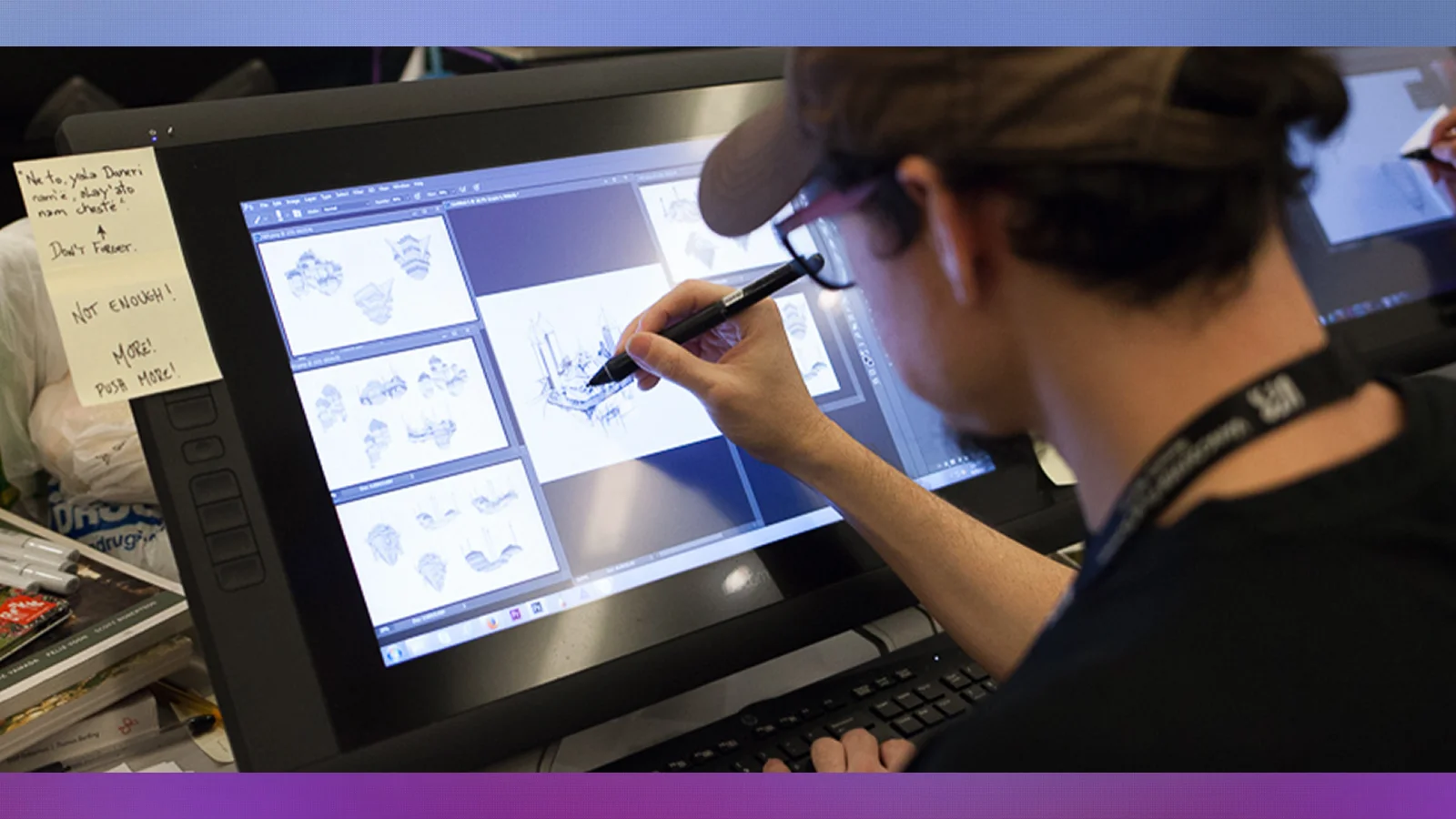
A tablet or stylus can make drawn work more comfortable, but shape-based exercises can begin with basic input controls. Keep reference footage nearby so you can compare your animation with observable movement.
These tool categories cover the main starting choices:
- Desktop animation: Adobe Animate is the tool taught in the featured Udemy course. Choose it if you want to follow that software-specific route.
- Free alternative: Blender offers a route without a software purchase. Its broader workspace may require more setup learning than a narrowly focused 2D animation app.
- Tablet-friendly option: Linearity Move is the 2D animation app to consider for mobile or tablet practice. Match your exercises to the features available on your device.
For cost context, Skillshare‘s animation software guide describes Blender as free for personal and commercial projects and lists Linearity Move with a free plan and a paid version at $10/month. Those options make a software purchase unnecessary for an initial experiment.
The priced options below offer different starting workflows.
|
Tool |
Best for |
Price |
|---|---|---|
 |
A free animation workspace for personal and commercial projects |
Free |
 |
Tablet or mobile animation practice |
Free plan; paid version $10/month |
Pick a 2D animation maker you can keep using through a complete exercise. Switching 2D animation software repeatedly creates extra interface work without necessarily improving your animation.
How To Learn 2D Animation: A Step-by-Step Path
Learn 2D animation by moving from simple motion to a complete character action. Use the milestones below to judge progress. Completing a lesson is different from being able to reproduce its technique independently.
Step 1: Learn the Workspace and Movement Principles
Open your chosen 2D animation software and locate the canvas, timeline, drawing controls, and playback controls. The timeline organizes images over time; a keyframe marks an important pose or change. Create a simple shape, change its position, and play the result.
Study timing, spacing, and squash and stretch alongside the interface. Timing controls how long an action takes, while spacing describes how far an object moves between drawings. These concepts give you a useful way to diagnose movement when learning 2D animation.
Step 2: Practice With a Bouncing Ball
Animate a ball falling, contacting the ground, and rising again. Establish the main positions before adding drawings between them. Watch for a convincing change in speed rather than evenly spaced movement throughout the action.
Use your 2D animation maker to compare a heavier bounce with a lighter one. Change the motion deliberately and describe what changed when you play it back. A 2D animation app is sufficient for this exercise if it lets you control the sequence and review your work.
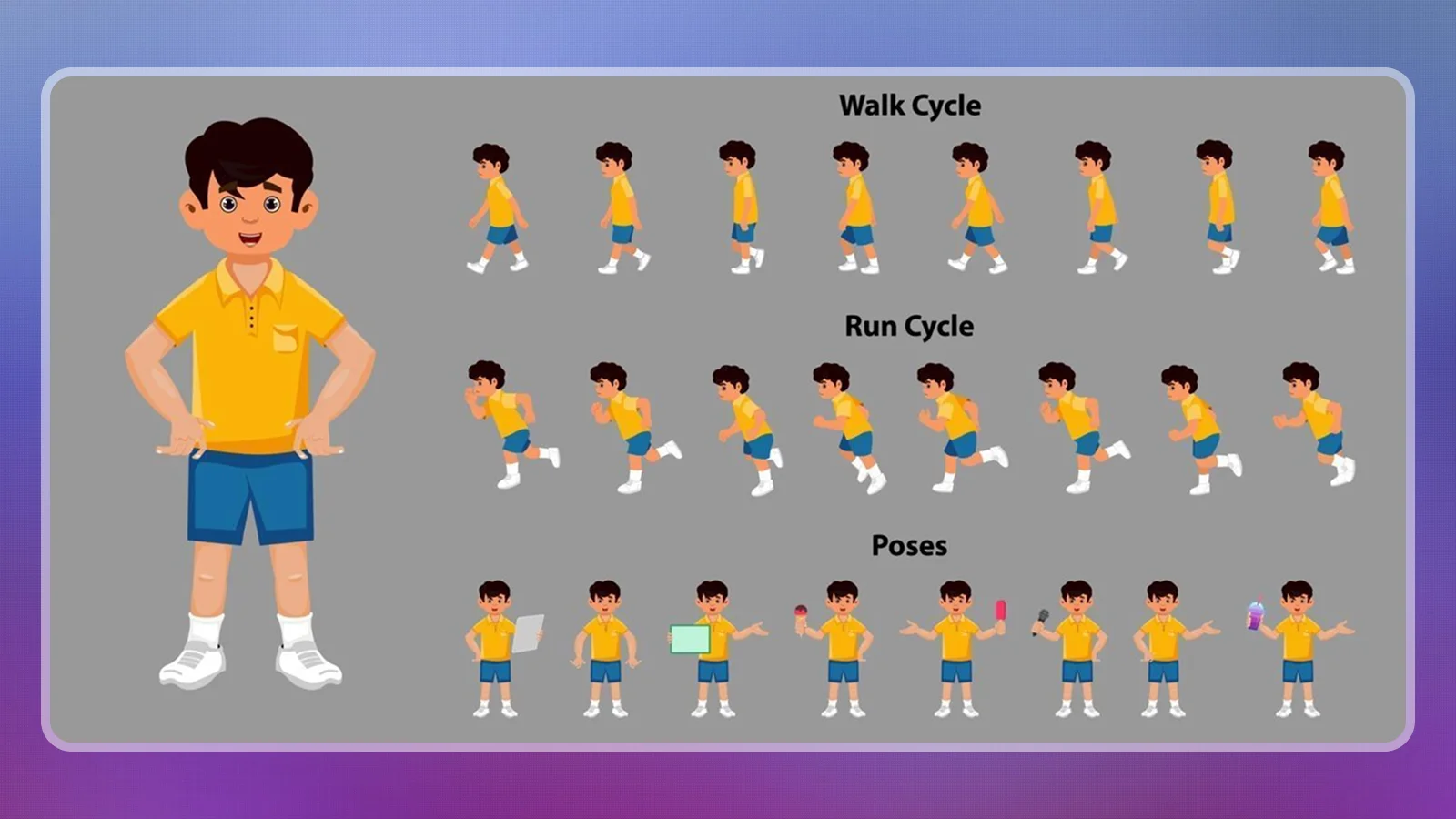
Step 3: Build a Readable Walk Cycle
Draw the main poses of a character walking, then connect those poses into a repeating sequence. Keep the character simple enough that you can redraw it consistently. Use a model guide, a reference sheet showing the character’s proportions, to reduce accidental changes.
Check the planted foot against the ground and watch the body’s movement above it. Learning 2D animation through a walk cycle exposes problems that a static drawing can hide. Review the loop at normal speed before inspecting individual frames.
Step 4: Animate a Short Character Action
Choose a single action, like a game character noticing an object and reaching for it. Sketch the important poses before adding detail. Establish the body’s main movement, then add the limbs and face after the action reads clearly.
Film yourself performing the movement and compare the reference with your poses. Your 2D animation software can interpolate, or calculate movement between keyframes, but you still need to decide how that movement should look. Keep the scene small enough that you can revise it completely.
Step 5: Export and Review a Finished Clip
Export your animation and watch it outside the editing workspace. Follow your tool’s export settings for the intended destination, then inspect the resulting file for missing layers, unintended pauses, and loop breaks.
Save the editable project separately so revisions remain possible. Ask a viewer to describe the action without explaining it first. A finished clip is a better test of how to learn 2D animation than a collection of unfinished tutorials because it exposes the entire workflow. Use the feedback to choose your next exercise.
Courses That Support Learning 2D Animation
For students researching how to learn 2D animation through structured paths, a dedicated course can provide an order of exercises and demonstrations, but your practice still determines what you retain. Choose instruction that matches your 2D animation software rather than buying a course and then changing tools.
Udemy offers 2D Animation: Ultimate Guide to Adobe Animate, the best-fit named course here for following the Adobe Animate route. Its software focus gives beginners a consistent workspace while they learn 2D animation.
On its sales page, Animator Guild advertises its Getting Started in 2D Animation course for containing 110+ training videos. Review the curriculum for exercises that address your current difficulty, like maintaining proportions or controlling timing.
These named alternatives take different approaches to learning 2D animation.
|
Course |
Provider |
Learning focus |
|---|---|---|
|
Getting Started in 2D Animation |
 |
Software setup, drawing fundamentals, and animation exercises |
|
Learn to Animate! Classical 2D Animation for Beginners |
 |
Classical animation fundamentals |
|
Character Animation Bootcamp |
 |
Character animation principles in After Effects |
Your course should explain how to learn 2D animation through work you can reproduce without the instructor’s file. A 2D animation maker becomes more useful when you understand the decisions behind the demonstration.
Practice Projects To Build Your 2D Animation Skills
Practice projects help you learn 2D animation by giving each attempt a specific movement problem to solve. Keep early artwork simple so you can judge the action without getting distracted by surface detail.
Work through these projects in order of difficulty:
- Bouncing ball: Practice timing and spacing through falling, contact, and rebound. Compare different versions and identify which drawings create the impression of weight. This works in a desktop tool or a 2D animation app.
- Flour sack: Give a simple sack a change of pose or a small hop. Without a detailed face, the body must communicate the action. Focus on balance and how the shape changes under weight.
- Character head turn: Animate a simple character turning toward a sound. Establish the starting and ending poses, then add the drawings between them. Practice consistent proportions and use the timing of the turn to communicate the character’s reaction.
- Walk cycle: Build a repeating character walk with stable proportions and believable foot contact. Your 2D animation maker should help you inspect the loop, but your pose choices determine its clarity.
- Game-style sprite clip: Create a compact idle, reaction, or interaction loop. Test it against a plain background and inspect the restart point. The project teaches you to communicate an action within a limited visual space. Once your sprites are exported, following a roadmap on how to learn C# will show you how to bring those assets to life inside a game engine.
Learning 2D animation through these exercises gives you useful comparisons between attempts. Save earlier versions so you can identify improvements in control, not merely changes in drawing style.
Where Beginners Get Stuck Learning 2D Animation
Beginners can stall when software operation replaces deliberate movement practice. A feature-rich 2D animation maker cannot decide the character’s weight, intention, or reaction for you.
Use these mistake-and-fix pairs when reviewing an exercise:
- Skipping movement fundamentals: Return to simple shapes when a character action becomes difficult to diagnose. A ball or sack removes drawing complexity and makes timing errors easier to see. Learning 2D animation does not require every exercise to become a polished scene.
- Letting characters float: Compare planted feet and shifts in body weight against filmed reference. Check the relationship between the ground and the character across the full action. Correct the main poses before adjusting minor details.
- Accepting automatic movement unchanged: Inspect the movement your 2D animation software creates between keyframes. Constant-speed interpolation can suit some graphic effects, but character movement often needs more intentional acceleration and slowing. Adjust the result to fit the action.
- Animating every part immediately: Establish the main body action before adding secondary movement. Separate layers can make revisions easier to manage. Even a simple 2D animation app becomes difficult to use when every part changes at once.
- Working entirely from memory: Record or study an appropriate reference and identify the important poses. Use it to understand the movement rather than copying details without purpose. Compare the reference and animation at both normal speed and frame by frame.
Choose a single correction for each revision pass. That gives you a clear test and keeps a difficult scene manageable.
Final Verdict on 2D Animation
This path suits learners willing to practice movement before polish. Start with simple exercises in a tool you can use consistently, then follow a software-matched course if you need more structure. Udemy‘s featured course fits the Adobe Animate route; a free option like Blender offers another starting point.
Hand-drawn character animation is a poor fit if your only goal is assembling quick social clips without drawing practice. A template-focused 2D animation app may suit that goal better. Consider a 3D workflow when your project depends on dimensional models and changing camera views.
The practical answer to how to learn 2D animation is to finish an action, identify what looks wrong, and revise it. Choose your next lesson because it solves that problem.
FAQs
Your pace depends on practice and project scope. A useful answer to “how to learn 2D animation” is to measure progress through finished exercises: simple motion, a walk cycle, and a short character action.
Yes, you can begin with free software like Blender and practice simple movement exercises. Paid instruction is optional; choose it when you need a more structured learning sequence.
No, advanced drawing skills are not a prerequisite for simple shape or puppet animation. Drawing practice becomes more important as you attempt expressive poses and consistent hand-drawn characters.
Yes, if you want to create character loops, cartoons, or animated explanations. Learning 2D animation is a useful creative pursuit when those outputs match your goals, and you enjoy revising movement.
Choose one tool that fits your device and lessons. Adobe Animate matches the featured course, while Blender offers a free starting point. Your 2D animation maker should support the exercises you want to complete.
Linearity Move is the tablet-friendly option to consider from this guide. Choose a 2D animation app that lets you practice and review simple motion as you figure out how to learn 2D animation through small exercises.